cterm
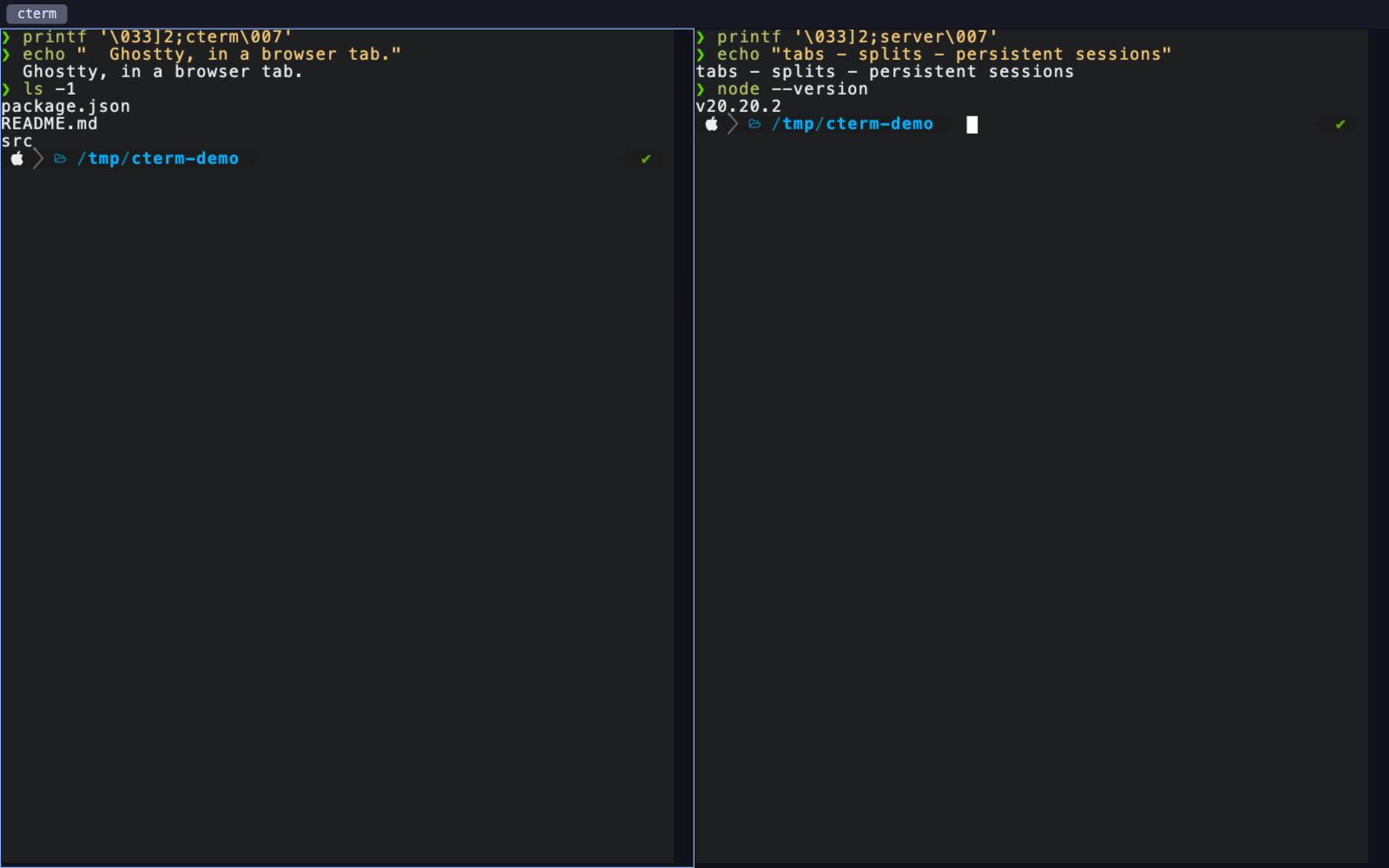
Ghostty in a browser tab — a local daemon serving Ghostty's real VT engine over a live PTY.
- Status
- In progress
- Year
- 2026
- Role
- · Everything
- TypeScript
- WebAssembly
- Node
- node-pty
- Canvas
The problem
Browser terminals are usually a JavaScript re-implementation of a terminal: something that parses escape sequences well enough for most programs and then falls over on the ones that matter. You notice it the first time a full-screen TUI redraws wrong, or a keybinding your muscle memory depends on quietly does nothing.
I wanted the opposite trade. Keep the real emulator, and move only the surface.
The approach
cterm is a small local daemon. It spawns real shells over a PTY — full host access, not
a sandbox — and serves a terminal to 127.0.0.1 that you open in an ordinary browser
tab. The rendering is done by ghostty-web, which is Ghostty's actual VT engine
compiled to WebAssembly and drawn to a canvas.
That single decision is the whole project. Emulation, key encoding and rendering are Ghostty's, so anything that works in Ghostty works here — I'm not maintaining a parser and slowly discovering which escape sequences I got wrong.
On top of it sits a multiplexer: tabs and split panes, each pane its own shell, with
directional focus and resizing. It reads your existing ~/.config/ghostty/config, so
theme, palette, font, cursor and keybindings carry over without a second config file to
keep in sync.
It's deliberately not a fork of Ghostty, and deliberately not Electron.
The hard part
Three things fought back.
The browser owns the good shortcuts. A terminal multiplexer wants Cmd+T, Cmd+W
and Cmd+1–9. The browser has already claimed all of them, and preventDefault does
not take them back — bind them and you close the user's tab instead of theirs. cterm
maps those to tab-safe Ctrl+Shift equivalents and leaves everything the browser
doesn't reserve exactly where Ghostty put it.
Sessions had to survive a reload. A browser tab is a much less stable container than a terminal window; people close them by reflex. The daemon keeps PTYs alive independently of any connection, replays recent scrollback when a tab reconnects, and restores the split layout, so a reload costs you nothing. Each browser tab is its own workspace.
Loopback is not the same as safe. A daemon on 127.0.0.1 with full host access is
reachable by any page you have open, via DNS rebinding. cterm binds loopback only,
requires a per-launch token, and allow-lists Host and Origin so a hostile page can't
talk to it even after resolving a name to your own machine.
There was also a stubborn, unglamorous one: browsers ship no Nerd Font, so prompts like powerlevel10k render as boxes. It bundles MesloLGS NF.
Where it stands
Working, and what I use. The engine is genuinely Ghostty's, sessions survive reloads, and the keymap matches the terminal I'd otherwise be in.
The honest limits: it needs Node 20+ and a compile step for node-pty, and because it
hands a browser tab full host access, it is designed for your own machine and nothing
else.